
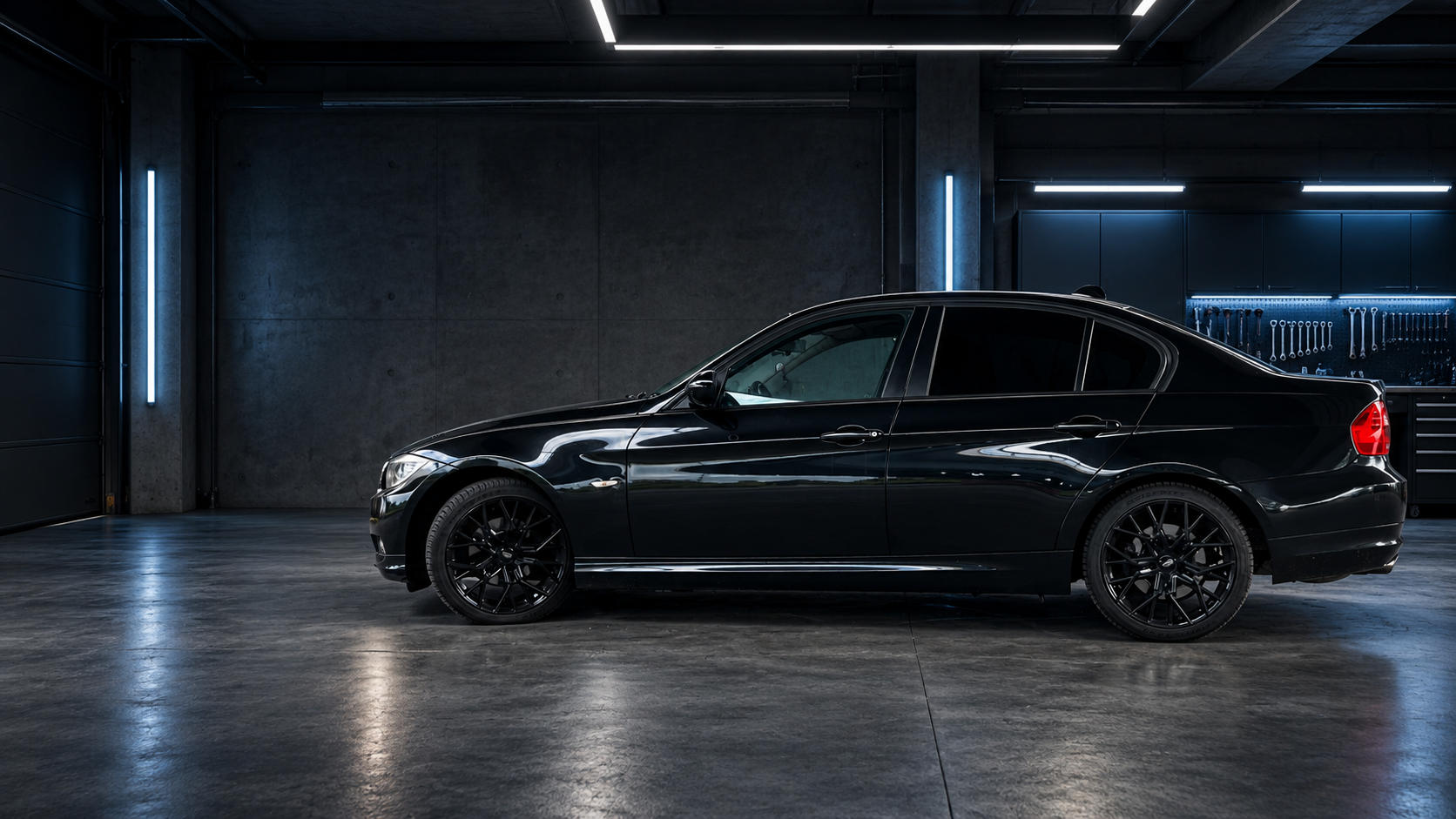
Maintain your car
Find a guide, plan the next job and keep a record of the work and cost.
Read a practical guideOptional analytics: PostHog (US) measures visits with a browser ID. No session recordings.
May we use PostHog to understand which pages and features are useful? It stores a browser identifier and sends usage events to PostHog in the US. Session recordings are disabled. Your choice does not affect your account.
Privacy noticeCapCar — Digital Garage
Visualize upgrades. Plan the parts, budget and work.
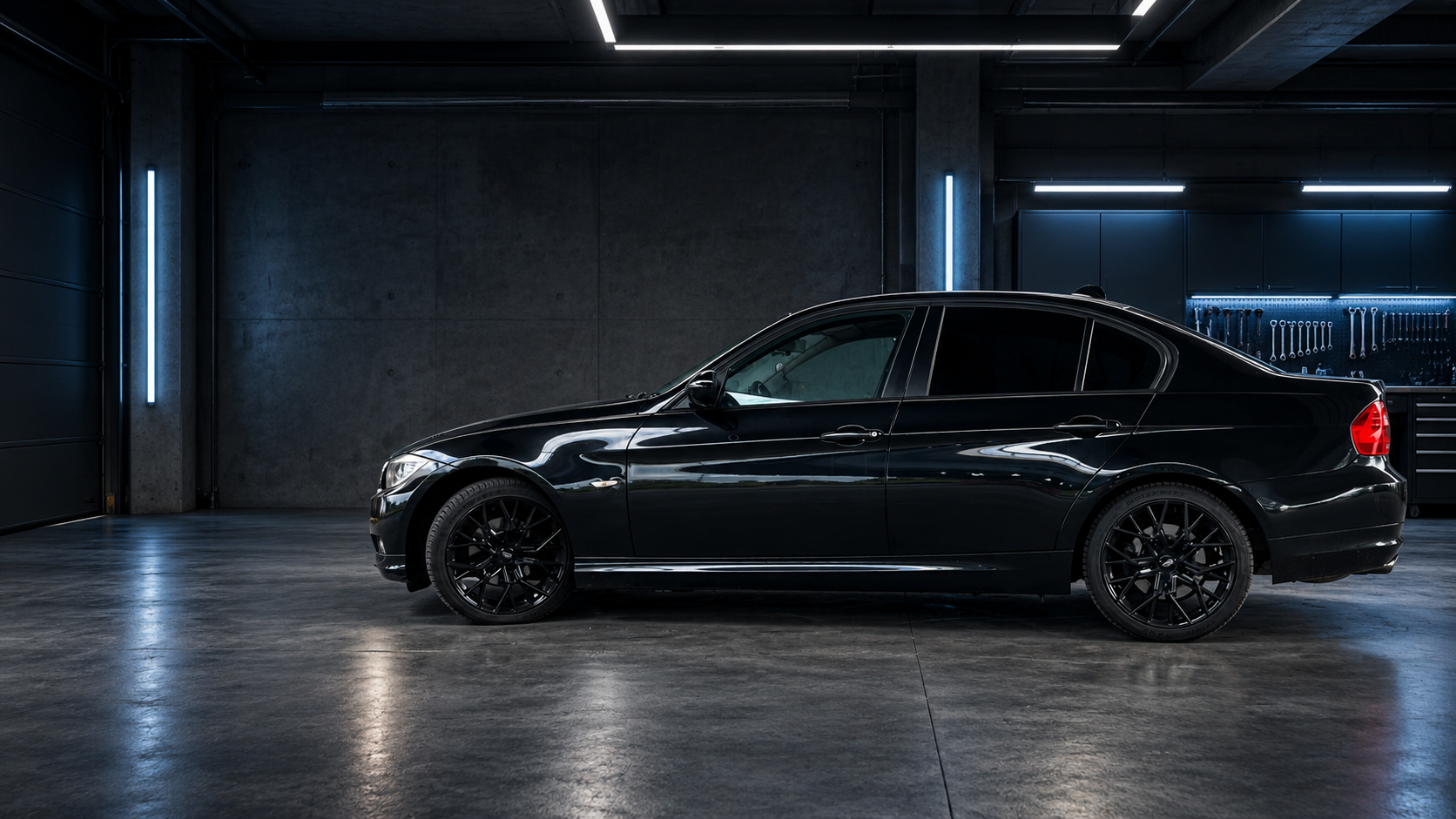
Choose a job, compare parts and see how the budget changes.
A better daily driver
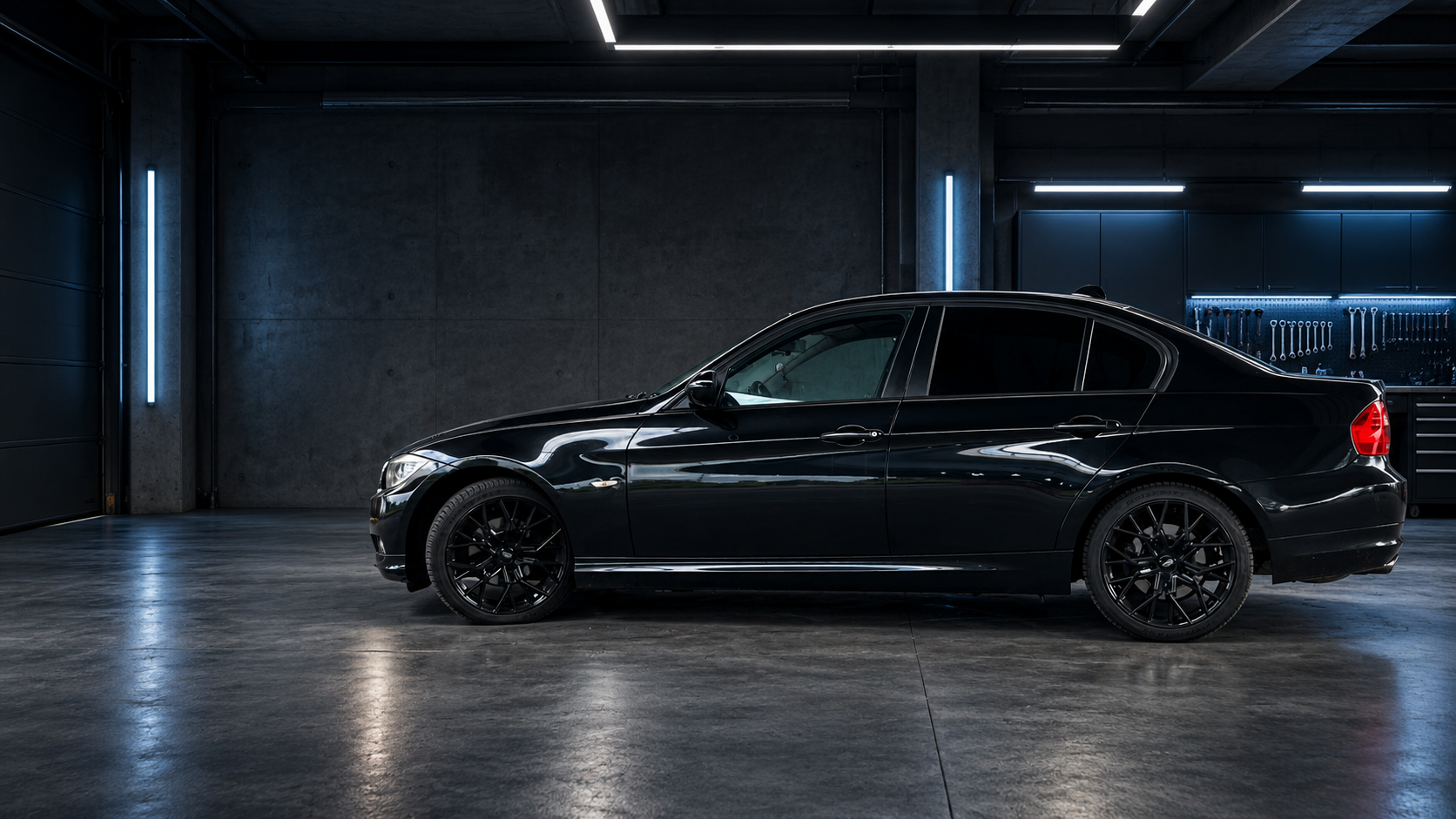
BMW E90 318i · 2011
Current phase
Plan & compare
Next action
Replace the cabin filter
Resets when you leave.
Create your garageIllustrative previews
Find a guide, plan the next job and keep a record of the work and cost.
Read a practical guidePlan the parts and tasks for your build. Track your budget, planned costs and actual spending as you go.
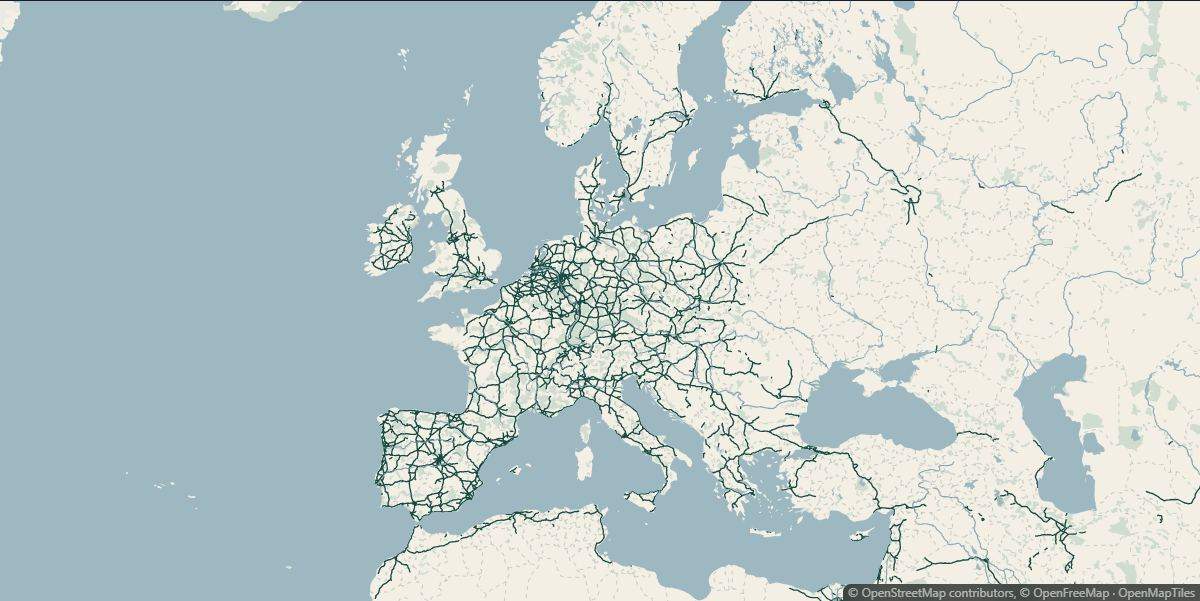
Find places and routes in Roadbook, then use AI trip planning to organize your drive.
Open AI trip planner
A drive idea · Places, stops and a route to explore
ExploreMaintain your car. Guides are public. An account saves your tasks and vehicle records.
Plan your build. Try the example below. Create an account to save your own build. Progress counts completed tasks, not money spent.
Find your next drive. Roadbook is open without an account. AI trip planning requires an account and a connected AI service; provider charges may apply.
One map, nine distinct styles. Find the look for your next drive.
Hover, focus or tap a style to explore. Previews show the same area of Europe.
Maintenance example
Follow a cabin-filter replacement on an example BMW 318i (E90). All costs shown are illustrative, not quotes.
Add a cabin-filter replacement to your plan.
Example: €30 planned for the filter, within a €300 project budget. Check the exact part against your car.
Use the BMW weekend-project guide and checklist to organize the job. Follow the correct workshop procedure for your car.
Mark the task complete. Add a date, an optional photo and the actual cost: €28 in this example.
The completed task joins the timeline. Actual spending is €28; reopening the task corrects the record.
Owner-recorded work, not professional verification. Sharing stays optional.
Explore interactive reference car models and concept previews. These do not guarantee fitment or model your exact car.
ExploreListen to engine and exhaust recordings. Compare a stock take with another recording or your own audio locally, without an account.
ExploreSave fault codes and notes with your car. Manual entries are available; native OBD scanning is a preview.
ExploreKeep vehicle details and owner-recorded history together. Share only what you choose.
ExploreA digital garage for planning changes, finding parts and keeping your vehicle’s maintenance and build history together.
No. Search publicly, then create an account when you want your own garage.
No. Coverage varies. Confirm the vehicle specification, part number and installation requirements before buying.
Not yet. Concept Studio offers selected visual references. Models and controls vary, and previews do not prove fitment.
Retailer purchases are completed on the retailer’s website. CapCar does not take payment for those orders.
Your personal garage is private. Review the information before sharing a public passport or publishing a listing.
No. Start with the car you have and the next thing you want to maintain, improve or document.
Yes. CapCar is free during beta, and no payment card is required. If paid plans are introduced later, available features and prices will be shown before you choose one.
Add the essentials, choose your goal and save a first task or drive idea. You can fill in the rest later.
Explore freely. Create an account to save your car.