
Roadbook · 2 min read
Plan a road trip with AI: A prompt that works with your four-hour limit
Copy a four-hour loop prompt and check the suggested stops, parking, and return time before driving.
CapCar Editorial ·
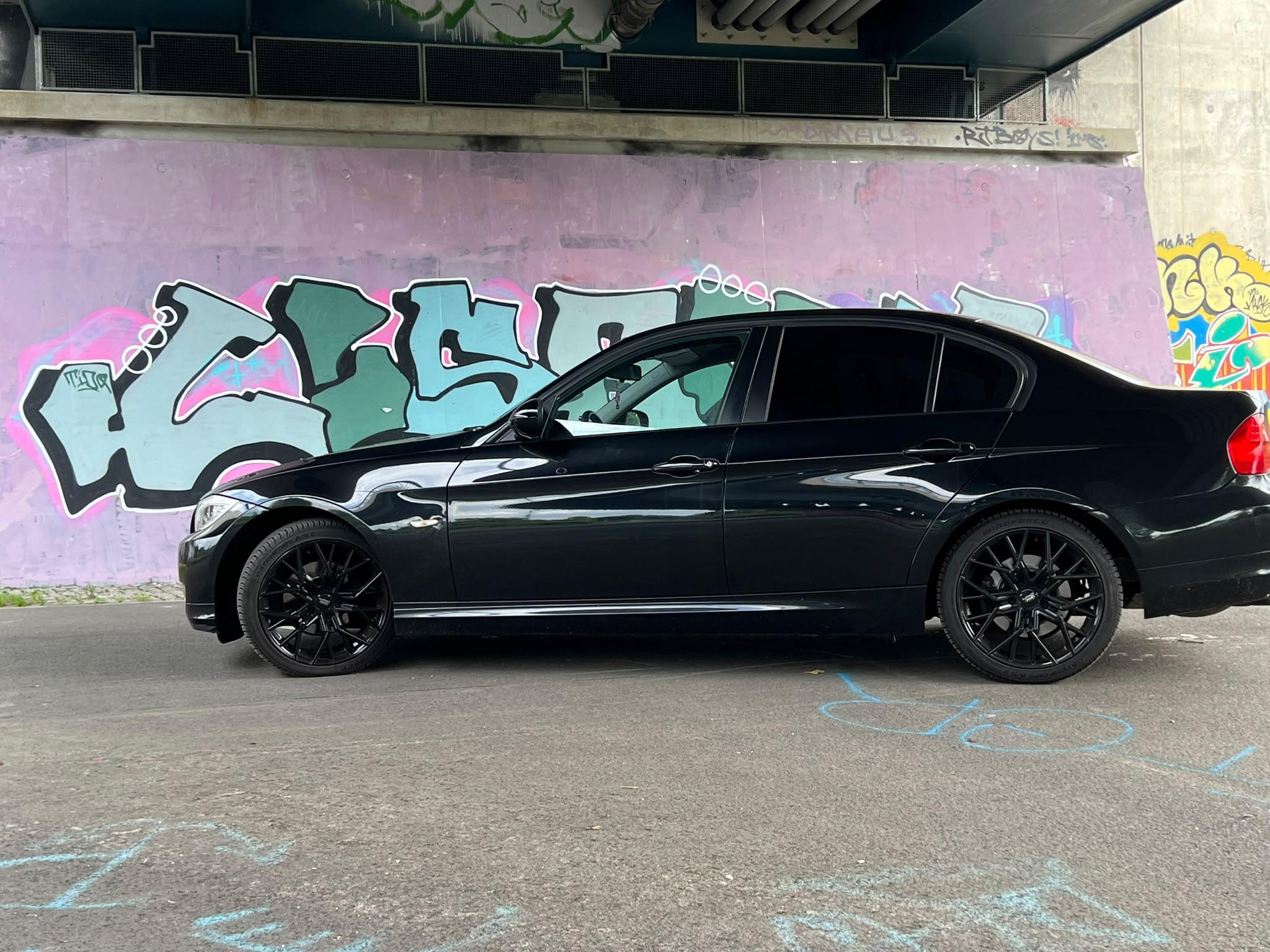
“Plan a scenic drive” leaves a lot unsaid. If you need to be back at six, that matters as much as the view. Give the planner a starting point, tell it what you want to see, and make clear that breaks count towards the time available.
Copy this prompt and change the place names:
I’m starting in Rüsselsheim and need to be back there four hours later. Plan a relaxed loop through the Rheingau with a stretch overlooking the Rhine, a coffee stop, and a short photo stop. Include parking, walking, and breaks within the four hours. Give me an address or a clearly identifiable location for each stop, plus a shorter option in case I leave late. Flag any opening hours, access details, or drive times I still need to verify.
Check the result in this order:
- Do the start and finish match, and can you follow the loop in your navigation app?
- Does each stop have somewhere to park and a realistic walk from the car?
- Do the breaks fit the time limit? Which stop could you drop?
- Do the important details agree with official visitor information?
Afterwards, make three notes: What did I keep? What did I skip? What would I plan earlier next time? That turns a one-off answer into a route you can reuse or recommend. Try the prompt in the CapCar AI Trip Planner or your preferred assistant.
Your next article
Build planner · 4 min read
A build plan that starts with one real job
Turn a saved idea into one defined job, a realistic budget and a useful next action in CapCar.
Read the article and use the checklist →
Vehicle guides · 3 min read
Before the first screw: use the guide, keep the result
Find a guide for your vehicle, check its prerequisites and keep a useful record of what actually happened.
Read the article and use the checklist →